Run Every Compound From One Platform.
Two experiences, one platform, an operations dashboard that runs your team and a mobile app your residents love, wired to one live CRM. Start with the admin tutorial below.
The admin experience— your operations team's command center
You just saw the admin side. Here's the resident side.
The tutorial above is what your operations team works in every day. This is what residents hold in their hand, the same platform, two tailored experiences, always in sync.
Everything residents need, in one app
No more phone calls or chasing the front desk. Residents self-serve from their phone, and every action lands instantly on your team's dashboard.
- Request & track maintenance live, with status updates and push notifications.
- Browse units & listings and register interest in a tap.
- Stay in the loop on requests, visits, and community announcements.
- Message support and manage their unit, all in one place.
What you actually get
Not features for their own sake, results that show up in resident satisfaction, occupancy, and your team's day.
Faster resolution
Maintenance requests dispatched and closed without the back-and-forth, so issues don't pile up.
Higher occupancy
A leasing funnel that turns listing interest into signed units, with nothing slipping between steps.
Less admin
One system replaces spreadsheets, phone calls, and disconnected tools, freeing your team for real work.
Happier residents
Live status, instant notifications, and self-service from the resident's phone, the experience they expect.
Everything a community runs on, in one platform
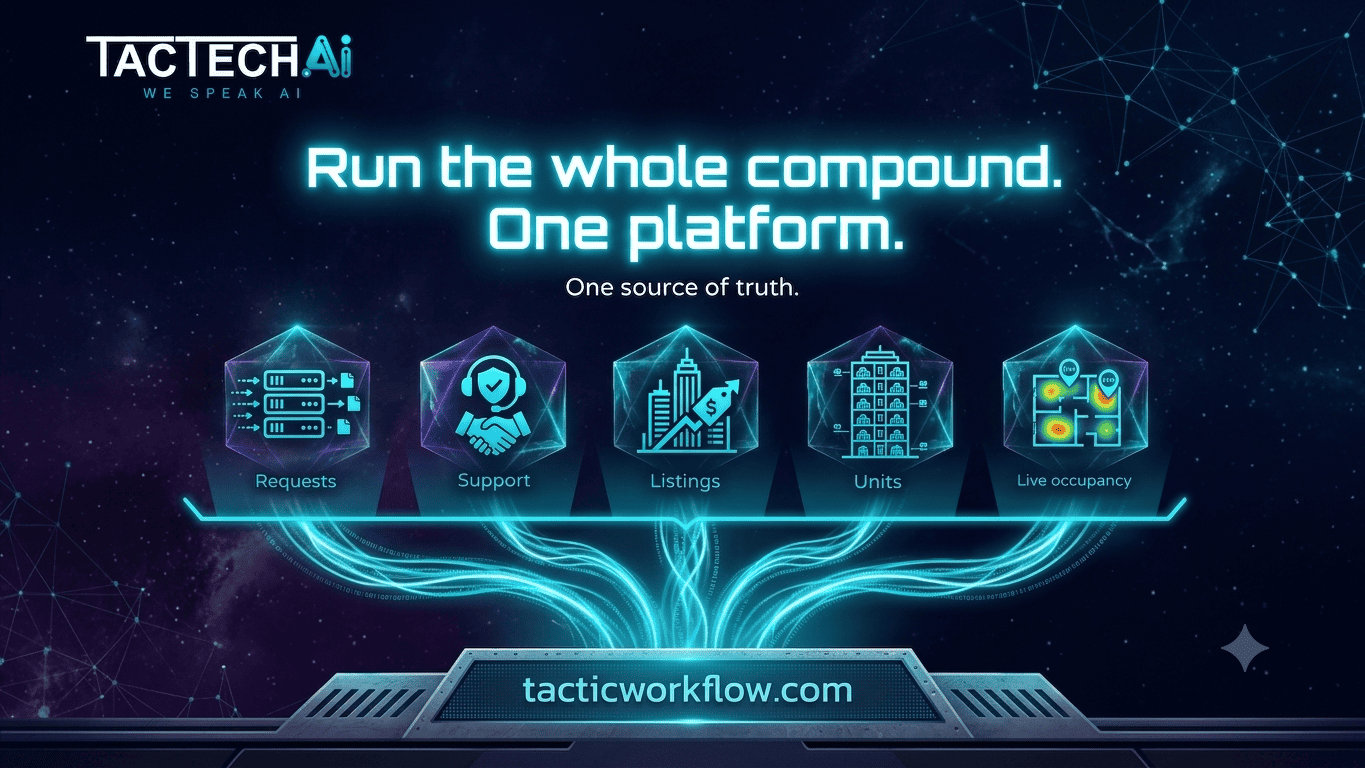
A resident app, a staff field console, and an operations dashboard, all wired to one live CRM so a record entered once flows everywhere.
Resident & Owner App
Residents request services, track them live, manage units, and browse listings, all from their phone.
Service Requests & Smart Dispatch
An enforced state machine plus calendar scheduling, with technicians auto-matched to jobs by trade.
Operations Dashboard
Real-time KPIs, a needs-attention queue, a drag-and-drop request board, and live occupancy by compound.
Listings & Leasing Funnel
From listing to favorite to lead to booked viewing, a pipeline that converts interest into occupancy.
Support & Notifications
Threaded resident-staff conversations and targeted push messages, by resident or whole compound.
Multi-Compound & CRM Sync
Color-coded compounds, live occupancy, role-based access, and a live CRM backend, multi-currency ready.
How it all connects
Residents, owners, and operations teams, one connected system with a live CRM at the center.
From the resident's phone to the ops desk
One connected loop across both surfaces, the action on a phone lands on the dashboard, and back again, in real time.
Request
A resident submits a service request from the app in a few taps and sees it marked Pending.
Dispatch
A coordinator schedules it and the system auto-assigns a technician by trade.
Resolve
The technician sees the job in "My day", does the work, and marks it complete.
In sync
Status, appointment, and a push notification update on the resident's phone instantly.
See it running on your compounds
In 30 minutes we'll map the platform to your communities, your maintenance flow, your leasing funnel, your numbers.
Book a Demo →Why communities choose Compound Management
Real-time and two-way
Actions sync instantly between the resident app and the operations console, so nobody waits on an update.
Workflow-driven, not just tracking
Requests follow an enforced state machine with smart dispatch that auto-triggers notifications at each step.
Role-based & multi-compound
Admins, coordinators, and technicians each see what they need, across compounds with live occupancy.
A delivery track record
A genuinely built, connected app-and-dashboard system, backed by 15+ years of CRM, ERP, and AI delivery.
Compound Management questions, answered
What is Compound Management software?
What outcomes does it deliver?
Does it support multiple compounds and currencies?
How does maintenance work, end to end?
Does it connect to our CRM?
Turn your compounds into a connected community
Book a 30-minute demo and we'll show the platform on your real workflow, no slideware, just a clear look at the outcomes.
Book a Demo →